Generative AI for Software Development
Key takeaways and principles from the DeepLearning.AI course on how to use generative AI to become a better software developer.
Introduction to Generative AI for Software Development
This is a specialization on how to use generative AI to become a better software developer.
Module 1: Introduction to Generative AI
This module gives an intro to machine learning, training models, and the transformer architecture.
In traditional programming, you express rules using code, these rules act on data, and you get back answers. In machine learning, you provide the answers (labels) and the data, and have the computer figure out what the rules are.
The machine learning paradigm: make a guess -> measure your accuracy -> optimize your guess (repeat) Once you have trained a model, you can provide it with data, and the model will make inferences about the data.
AI is a set of tools: Supervised learning (labelling data), generative AI, unsupervised learning, reinforcement learning. Supervised learning is the most prevalent.
The Transformer Revolution
The transformer architecture was a paradigm shift for two main reasons:
- Parallel Processing: Unlike previous sequential models (RNNs) that processed text word-by-word, transformers process the entire sequence at once. This allowed for massive parallelization on GPUs, enabling the training of models on the scale of the entire internet.
- Global Context (Self-Attention): Self-attention allows every token in a sequence to “look at” and weigh every other token simultaneously. This solved the problem where models would “forget” the beginning of a long code block by the time they reached the end.
In software development, this is what allows an LLM to maintain context between a function definition at the top of a file and its implementation hundreds of lines later.
Key transformer concepts:
- Attention: Allows the model to focus on specific, relevant tokens when predicting the next one.
- Encoders and Decoders: Components that either “understand” the input (Encoder) or “generate” the output (Decoder).
Module 2: Pair-coding with an LLM
This module provides techniques and best practices for using LLMs, overview of different LLM-powered coding tools.
Follow prompting best practices and prompt iteratively.
Assigning the LLM a role
Assigning the right role to the LLM will make the response more tailored and suitable for your use case, and thus make your interactions more productive and enjoyable. For example, try “As a beginner Python tutor, explain how to create a list in Pyhton and add elements to it.” will produce a more beginner-friendly and step-by-step guide than the prompt “Explain how to create a list in Python and add elements to it.”
LLM best practices
- Be specific
- Assign a role
- Request an expert opinion
- Give feedback
Getting the most out of LLMs:
- Experiment with them
- Test the output carefully
- Use them as a learning tool
- Remember that you are the context expert
LLM-Powered coding tools
- Stand-alone chat
- IDE-Integrated
- Agentic
They all have their strengths and weaknesses.
The context window
LLMs have no memory, and therefore don’t remember previous prompts or responses. Ongoing conversations are saved in a “chat history”. Reasoning models “think out loud”, generating reasoning tokens, which also use up context window. The output of various tools, e.g., web search, is also included in the context window. It is important to monitor your context window. You may compact the context window.
Module 3: Leveraging an LLM for code anaylsis
This module gives hands-on experience developing code with an LLM. It shows how to use an LLM to develop, review and iteratve over code to make it fast, reliable and production-ready.
Team Software Engineering with AI
This course is about testing, documentation and dependency management.
Module 1: Testing and Debugging
Testing and debugging strategies:
- Exploratory testing: explore the application without predefined test cases, in a way the user would
- Functional testing: black box, requirements-driven, with focus on input/output. Common types: unit testing, integration testing, smoke testing, regression testing and user acceptance testing.
- Automated testing: helps maintain the quality and reliability of your software over time.
- Software performance testing: measuring execution time and identifying performance bottlenecks.
- Security testing: an area in which LLMs can struggle, due to the complexity and the fast pace of the domain.
Module 2: Documentation
Principles of good documentation:
- Improves code readability
- Prevents technical debt
- Helps others learn how to use your code
- Increases overall code quality
Principles of writing good documentation:
- Be clear and concise
- Avoid redundancy
- Think of your audience
- Follow language-specific conventions
- Keep documentation up-to-date
Two types of comments:
- inline comments
- documentation comments
Automated documentation tools: Sphinx for Python.
LLMs can really speed up the process of writing great documentation and setting up automated documentation tools.
Module 3: Dependency Management
Pros:
- off-the-shelf solutions
- often efficient, secure, tested
Cons:
- your code depends on other code to work as expected
Dependencies:
- internal: modules or packages you’ve written yourself and live within your project
- external: 3rd party libraries that you’ve included in your project
Possible complexities:
- version conflicts: different dependencies require different versions of the same library
- security vulnerabilities: outdated libraries are a risk
- transitive dependencies: complex and difficult to manage
LLMs and dependencies
Strengths:
- brainstorm libraries and packages to use in your project
- learn more about a dependency
- identify dependency conflicts
- suggest solutions to issues with dependency
Weaknesses:
- LLMs could miss relevant information
- LLMs could lack information about obscure libraries
Virtual environments
Use venv in python to set up a virtual environment.
AI-Powered Software and System Design
Module 1: Data Serialization and Configuration-Driven Development
Configuration-driven development (CDD):
- Behaviour, features and settings of an application are controlled by external configuration files
- More flexible software
- Non-technical teammates can modify the application
Design paradigms:
- Structured approach to software architecture and organization
- Some are baked into popular tools
- Others are supported in tools, but optional
Module 2: Databases
Schema design is usually a collaborative process. AI can speed up the prototype design process and design a schema from text descriptions.
Use an LLM to optimize your database:
- Schema design
- Indexig
- Query optimization
- Caching
- Connection management
- Monitoring and maintenance
Module 3: Software Design Patterns
Gang of Four design pattern groups:
- Creational Patterns (Object creation mechanisms)
- Singleton: Ensures a class has only one instance and provides a global access point to it (e.g., a single configuration manager).
- Builder: Separates the construction of a complex object from its representation, allowing you to create different types and representations using the same construction process (e.g., building a complex SQL query).
- Prototype: Creates new objects by copying an existing “prototype” instance rather than creating them from scratch (e.g., cloning a pre-configured UI element).
- Factory Method: Defines an interface for creating an object but lets subclasses decide which class to instantiate (e.g., a “Document” creator where subclasses create “PDF” or “Word” docs).
- Abstract Factory: Provides an interface for creating families of related or dependent objects without specifying their concrete classes (e.g., a UI kit that creates “Windows” style buttons and scrollbars).
- Structural Patterns (Composition of classes or objects)
- Adapter: Allows objects with incompatible interfaces to collaborate by acting as a translator (e.g., making a 3rd-party XML API work with your JSON-based system).
- Bridge: Decouples an abstraction from its implementation so the two can vary independently (e.g., separating a “Remote Control” abstraction from the specific “TV” implementation).
- Composite: Lets you compose objects into tree structures to represent part-whole hierarchies, treating individual objects and compositions uniformly (e.g., a file system where folders contain both files and other folders).
- Decorator: Attaches additional responsibilities to an object dynamically without modifying its code (e.g., adding “Scrollbar” and “Border” features to a Window).
- Facade: Provides a simplified, high-level interface to a complex library or subsystem (e.g., a single orderFood() method that handles payment, inventory, and delivery systems).
- Flyweight: Minimizes memory usage by sharing as much data as possible with similar objects (e.g., sharing “Font” data across thousands of character objects in a text editor).
- Proxy: Provides a placeholder or representative for another object to control access to it (e.g., a “Lazy Loading” proxy that only creates a heavy object when it’s actually needed).
- Behavioral Patterns (Interaction and responsibility)
- Chain of Responsibility: Passes requests along a chain of handlers. Each handler decides either to process the request or pass it to the next handler (e.g., a technical support phone tree).
- Command: Encapsulates a request as an object, allowing you to parameterize clients with different requests, queue them, or support undoable operations (e.g., a “Save” button object).
- Interpreter: Provides a way to evaluate language grammar or expressions (e.g., a component that parses and executes simple mathematical formulas).
- Iterator: Provides a way to access elements of a collection sequentially without exposing its underlying representation (e.g., a loop that works on both Lists and Trees).
- Mediator: Reduces chaotic dependencies between objects by forcing them to communicate through a single mediator object (e.g., an Air Traffic Control tower).
- Memento: Captures and externalizes an object’s internal state so it can be restored later without violating encapsulation (e.g., “Undo” functionality)
- Observer: Defines a subscription mechanism to notify multiple objects about any events that happen to the object they’re observing (e.g., a “Like” notification on social media).
- State: Allows an object to alter its behavior when its internal state changes, appearing as if the object changed its class (e.g., a “Vending Machine” that behaves differently depending on if money was inserted).
- Strategy: Defines a family of algorithms and makes them interchangeable at runtime (e.g., choosing between “QuickSort” and “MergeSort” depending on data size).
- Template Method: Defines the skeleton of an algorithm in a base class but lets subclasses override specific steps without changing the structure (e.g., a “Data Miner” that defines the process but lets subclasses handle “CSV” vs “PDF” parsing).
- Visitor: Lets you separate algorithms from the objects on which they operate, allowing you to add new operations to existing object structures without modifying them (e.g., an “Export” visitor that visits all elements in a document).
| GoF Pattern | Modern C# Implementation |
|---|---|
| Strategy | delegate, Func, Action, Lambdas |
| Observer | event, EventHandler, IObservable |
| Iterator | IEnumerable, yield return |
| Visitor | switch expressions, Pattern Matching |
| Singleton | Lazy |
| Prototype | record + with expression |
| Template Method | abstract methods or Default Interface Methods |
| Adapter | Extension Methods |
Professional certificate
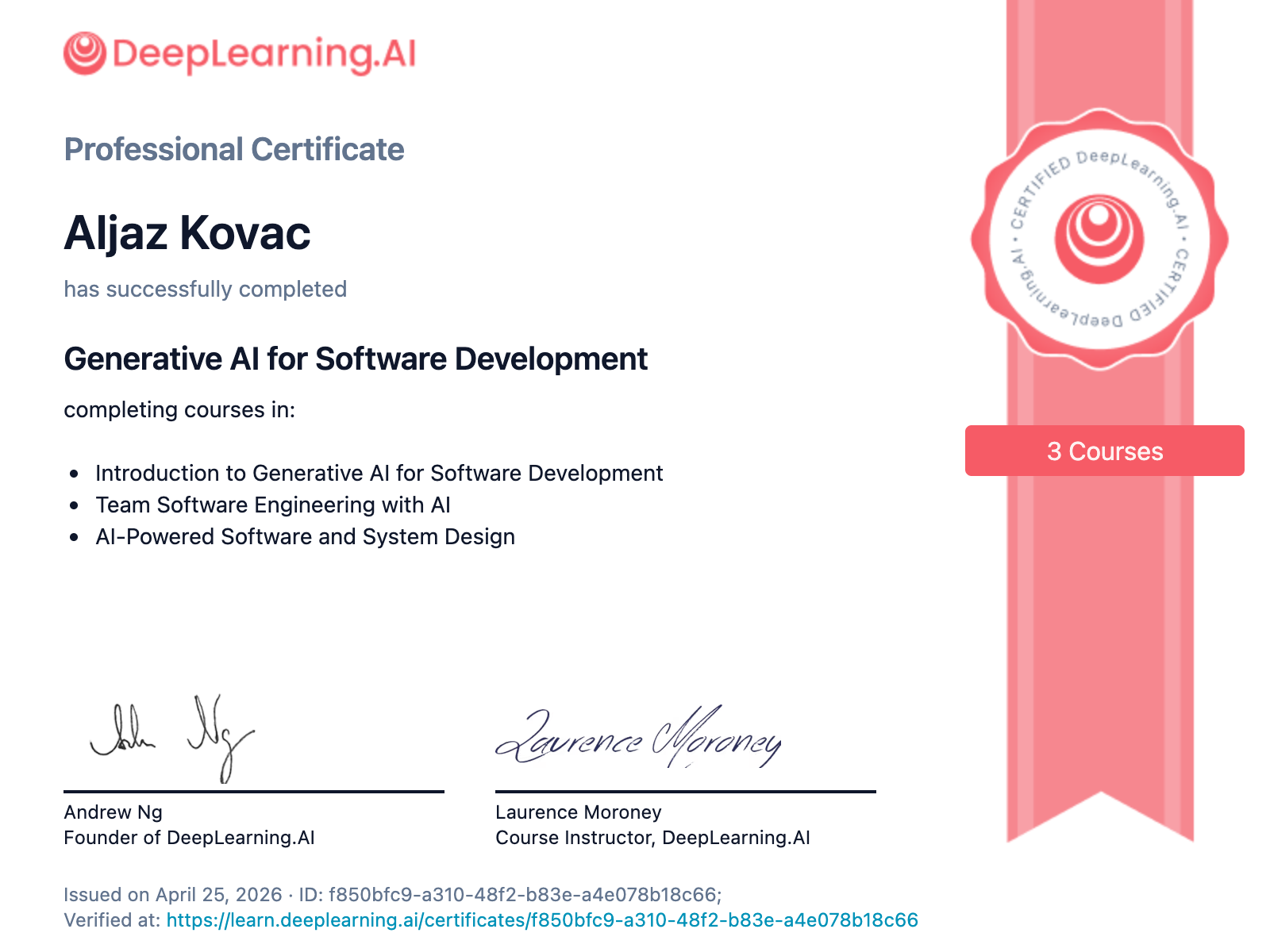 Professional Certificate for completing the Generative AI for Software Development specialization
Validate the certificate at the validation link.